
Select the model you want to generate your image with.
Add Aurora Borealis to Photo Free Online
Add aurora to photo edits with glowing northern lights, more realistic sky atmosphere, and more cinematic portrait, couple, or landscape results in just a few clicks.
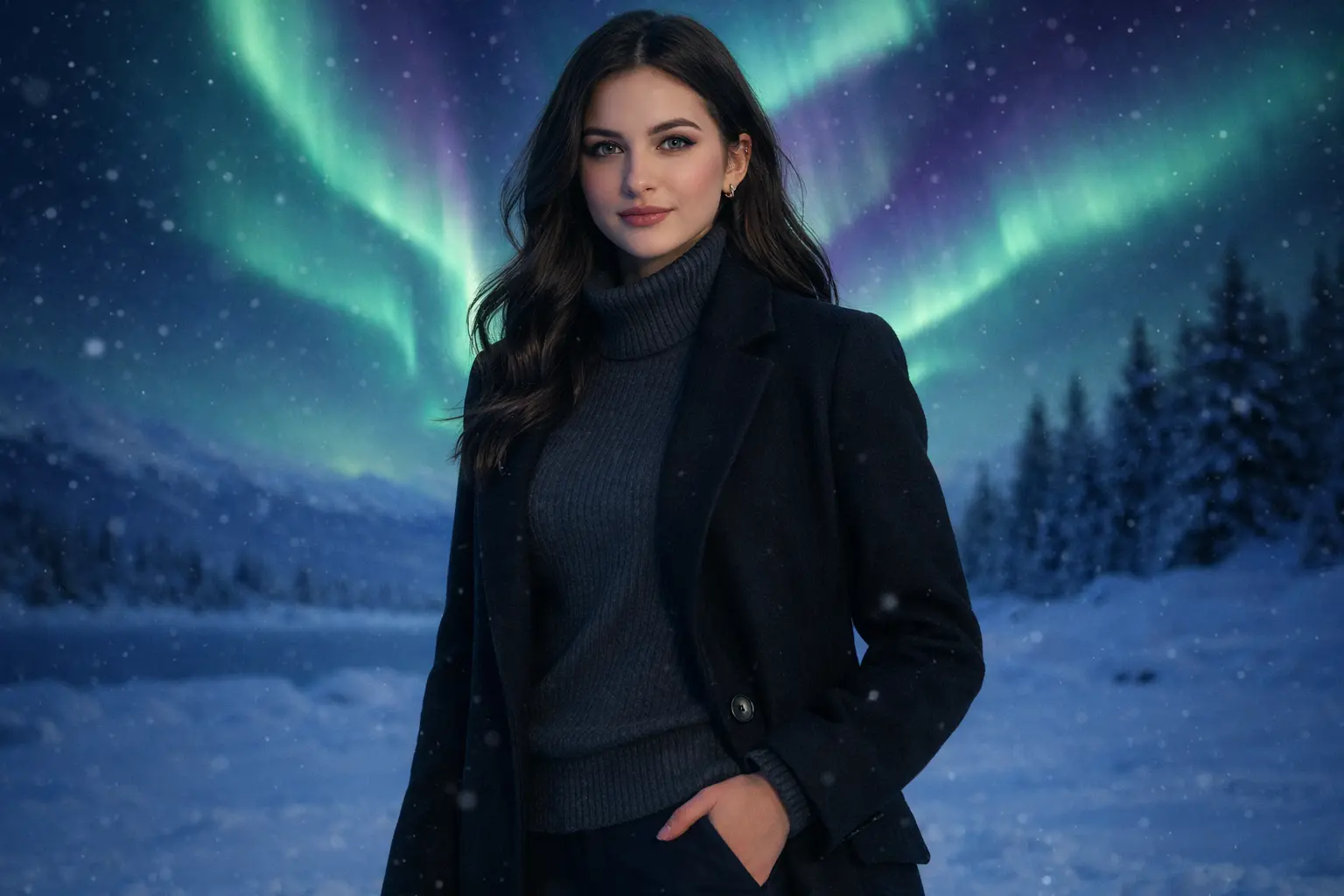
Your Generated Images
How to Add Aurora to Photo Free Online with Bylo.ai’s AI Aurora Filter
Follow these simple steps to get started with our platform.
Upload the Photo You Want to Transform with Aurora
Start by uploading the portrait, couple photo, travel image, or landscape you want to edit. Bylo.ai works well for photos with visible sky, open background space, or nighttime atmosphere, making it easier to add aurora in a way that feels more natural, more immersive, and more visually connected to the original scene.
Describe the Aurora Effect You Want to Add
Enter a prompt that describes the kind of aurora look you want, such as soft green northern lights, vivid purple and blue sky glow, or a dreamy aurora borealis effect behind the subject. This step gives you more control over how the Aurora effect appears, helping the final image feel closer to a cinematic portrait, a romantic winter scene, or a magical travel-style photo.
Generate and Download Your Aurora Photo
Click generate and let Bylo.ai turn your original image into an aurora-enhanced version in seconds. Once the result is ready, you can preview how the Aurora filter changes the sky, lighting, and overall mood, then download the final image for social sharing, creative projects, or personal photo styling.
Key Features of Bylo.ai’s AI Aurora Filter
Free AI Aurora Filter Delivers More Realistic Northern Lights Portraits
When aurora effects are added to portraits, realism often matters more than brightness alone. Bylo.ai’s Free AI Aurora Filter helps northern lights feel more naturally connected to facial detail, subject presence, and original photo structure, so the final image looks more like a believable aurora portrait instead of an edit with overly artificial atmosphere.
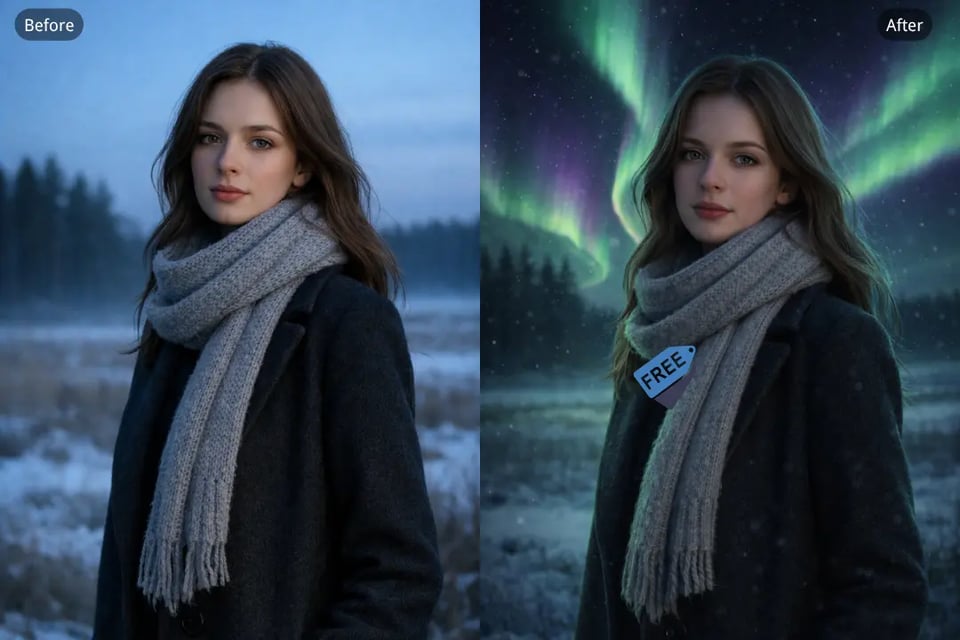
Natural Sky Blending When You Add Aurora Borealis to Photo
Strong aurora editing should not stop at adding color to the background. Bylo.ai’s AI Aurora Filter helps aurora glow spread more smoothly across sky areas, surrounding light, and scene depth, making it easier to add aurora borealis to photo compositions that feel more visually coherent across portraits, snowy views, and outdoor landscapes.
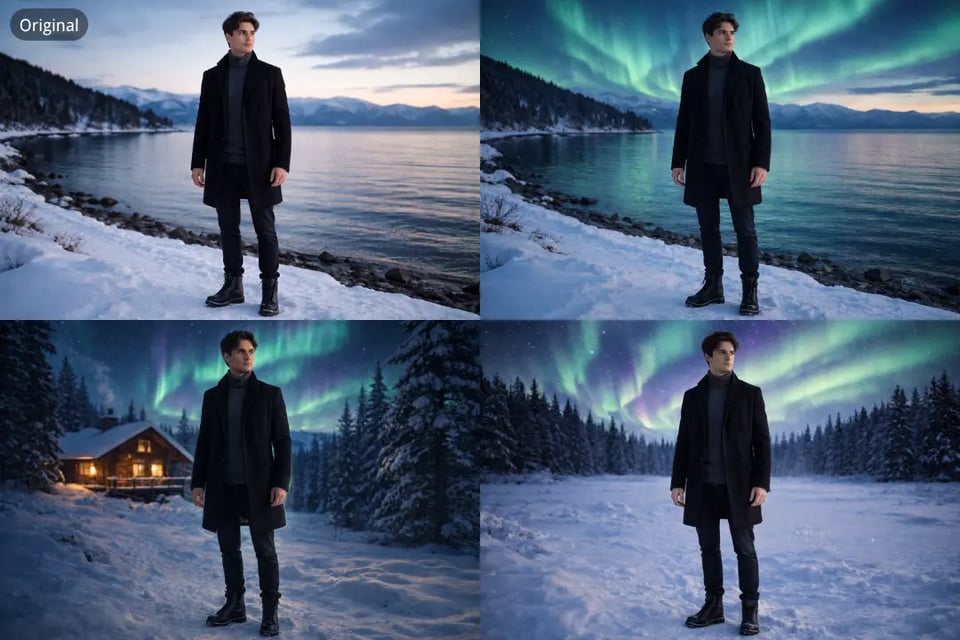
1-Frame, 2-Frame, and 3-Frame Layout Support with AI Aurora Filter
Different aurora images need different visual structures depending on how the photo will be shared or presented. Bylo.ai’s AI Aurora Filter supports single-panel edits as well as 2-frame and 3-frame aurora layouts, giving users more flexibility for portrait storytelling, couple photo presentation, and collage-style social content built around northern lights scenes.
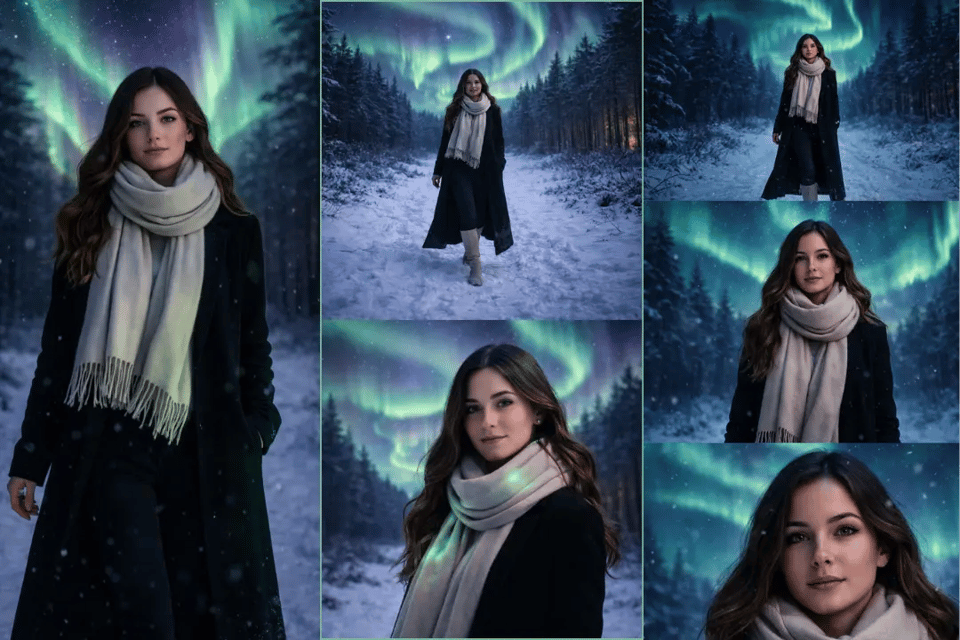
More Scene Control as You Add Aurora to Photo
Portraits, couple photos, landscapes, and travel shots do not need the same aurora treatment to look right. Bylo.ai’s AI Aurora Filter gives users more control over scene direction, allowing aurora placement, background atmosphere, and overall image balance to feel better matched to the original composition when they add aurora to photo results.
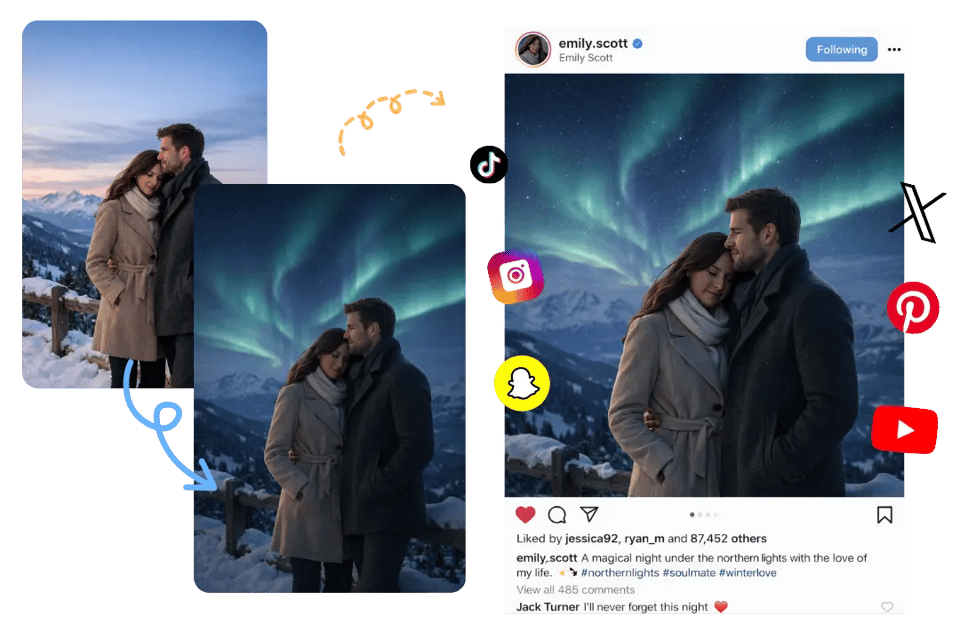
Create Vertical Northern Lights Photos with Different AI Aurora Prompts on Bylo.ai
Use Bylo.ai’s AI Aurora Filter to turn uploaded portraits, couple photos, and winter images into vertical northern lights visuals with stronger structure and more cinematic atmosphere. From single-panel aurora portraits to 2-frame and 3-frame stacked compositions, AI Aurora Prompts help shape more consistent subject presentation, clearer visual rhythm, and more immersive aurora photo results.
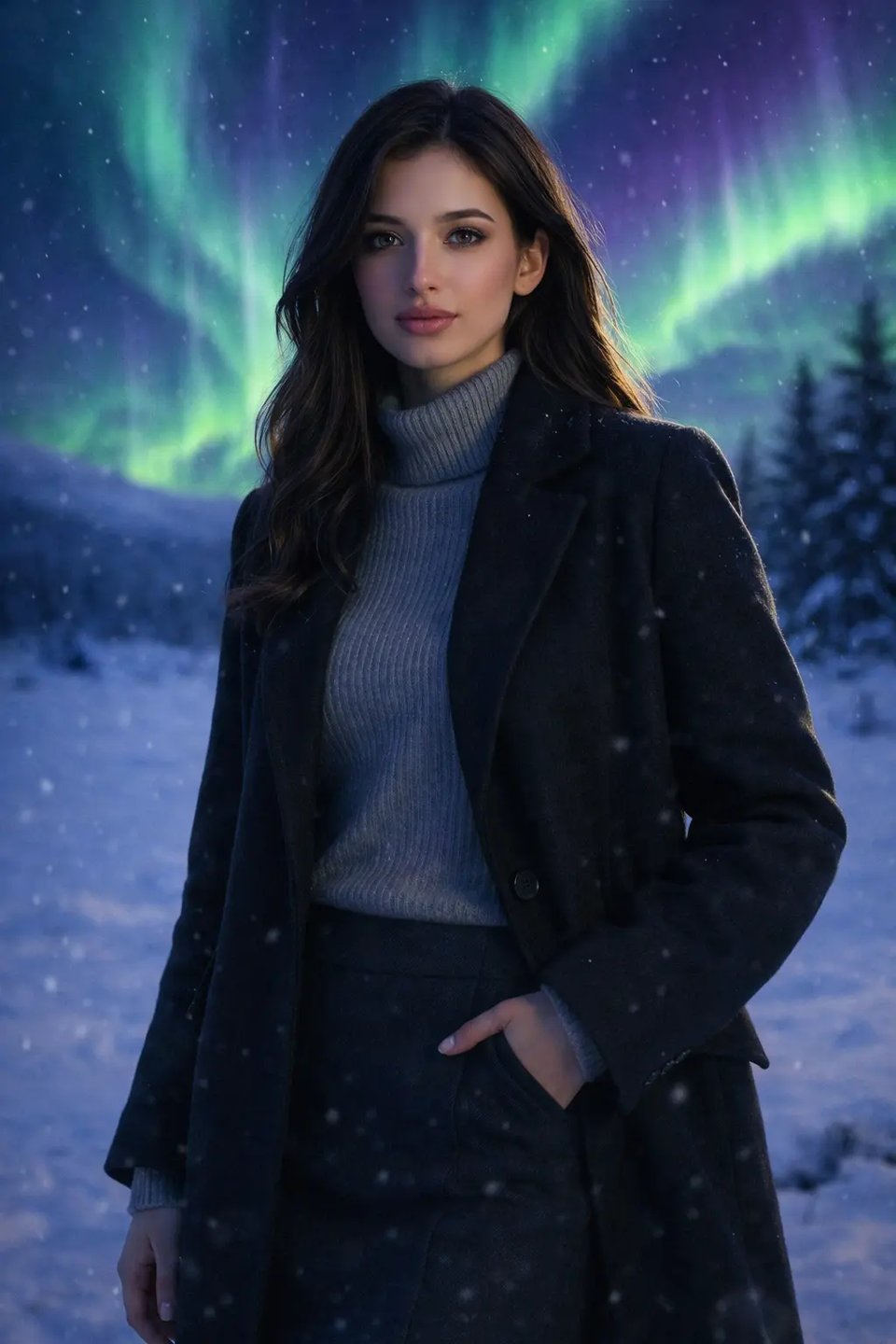
1-Frame Solo Aurora Portrait
Turn one uploaded portrait into a vertical northern lights photo with strong realism and soft cinematic atmosphere. 1-Frame Solo Aurora Prompt: Create a single vertical aurora portrait from the uploaded image. Keep the person’s face, hairstyle, body shape, and identity clearly recognizable and consistent with the original photo. Place the subject alone in a snowy outdoor night setting beneath vivid aurora borealis in green and purple tones. Use a waist-up or upper-body composition with soft cinematic lighting, subtle aurora glow on the face and coat, gentle falling snow, realistic winter atmosphere, clear facial detail, natural skin texture, and dreamy northern lights sky. Keep the image vertically framed, visually immersive, and photo-realistic.
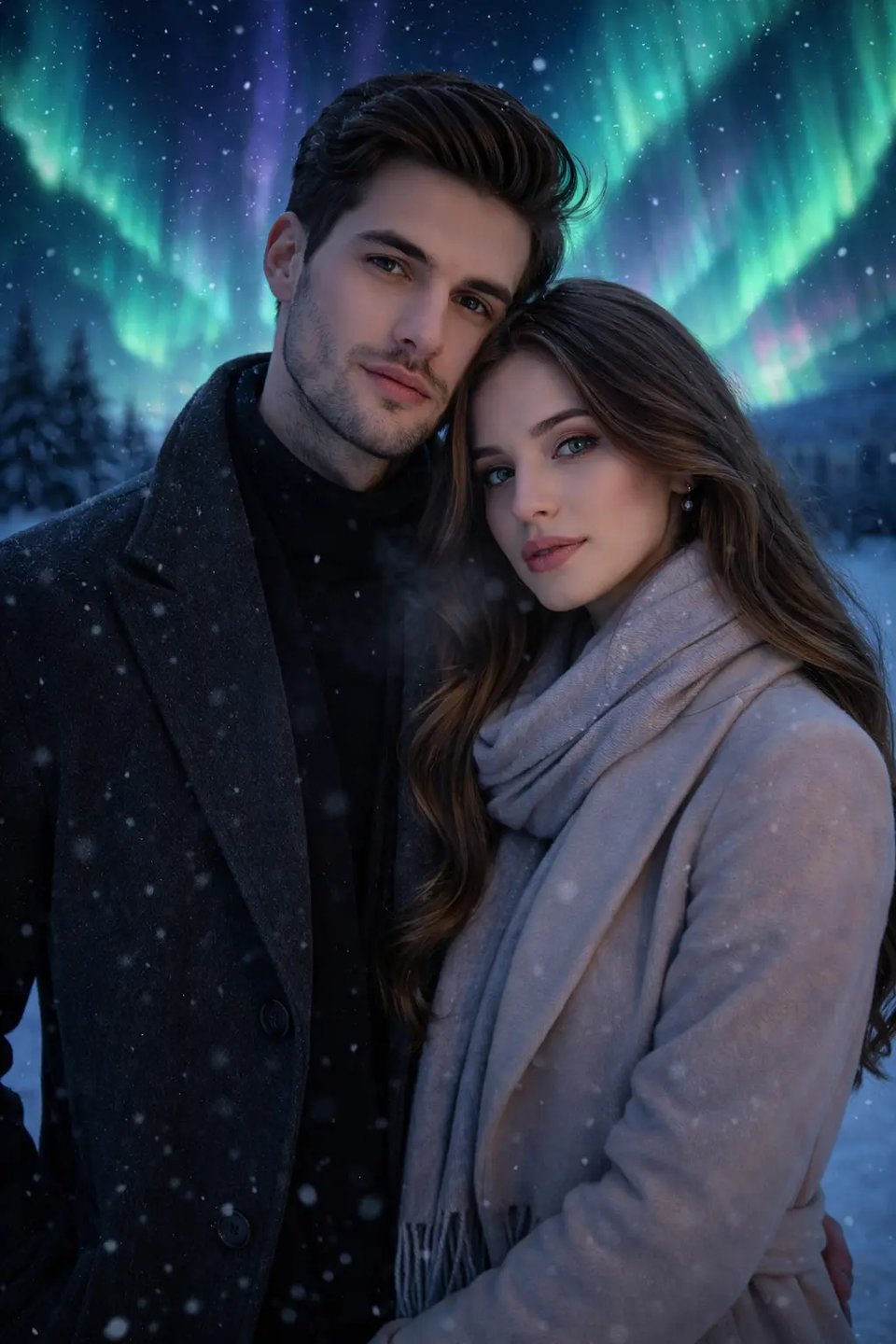
1-Frame Couple Aurora Photo
Transform uploaded couple photo into one vertical romantic northern lights scene with intimate winter mood. 1-Frame Couple Aurora Prompt: Create a single vertical aurora couple portrait from the uploaded image. Keep both faces, hairstyles, body proportions, and identities consistent with the original photo. Place the couple together in a snowy night landscape under bright aurora borealis with glowing green, blue, and purple lights across the sky. Use a medium or waist-up composition with natural closeness, soft expressions, gentle snow, subtle breath in cold air, realistic winter clothing, and cinematic aurora glow lighting both faces. Maintain strong realism, clear facial detail, and vertical composition suitable for social sharing.
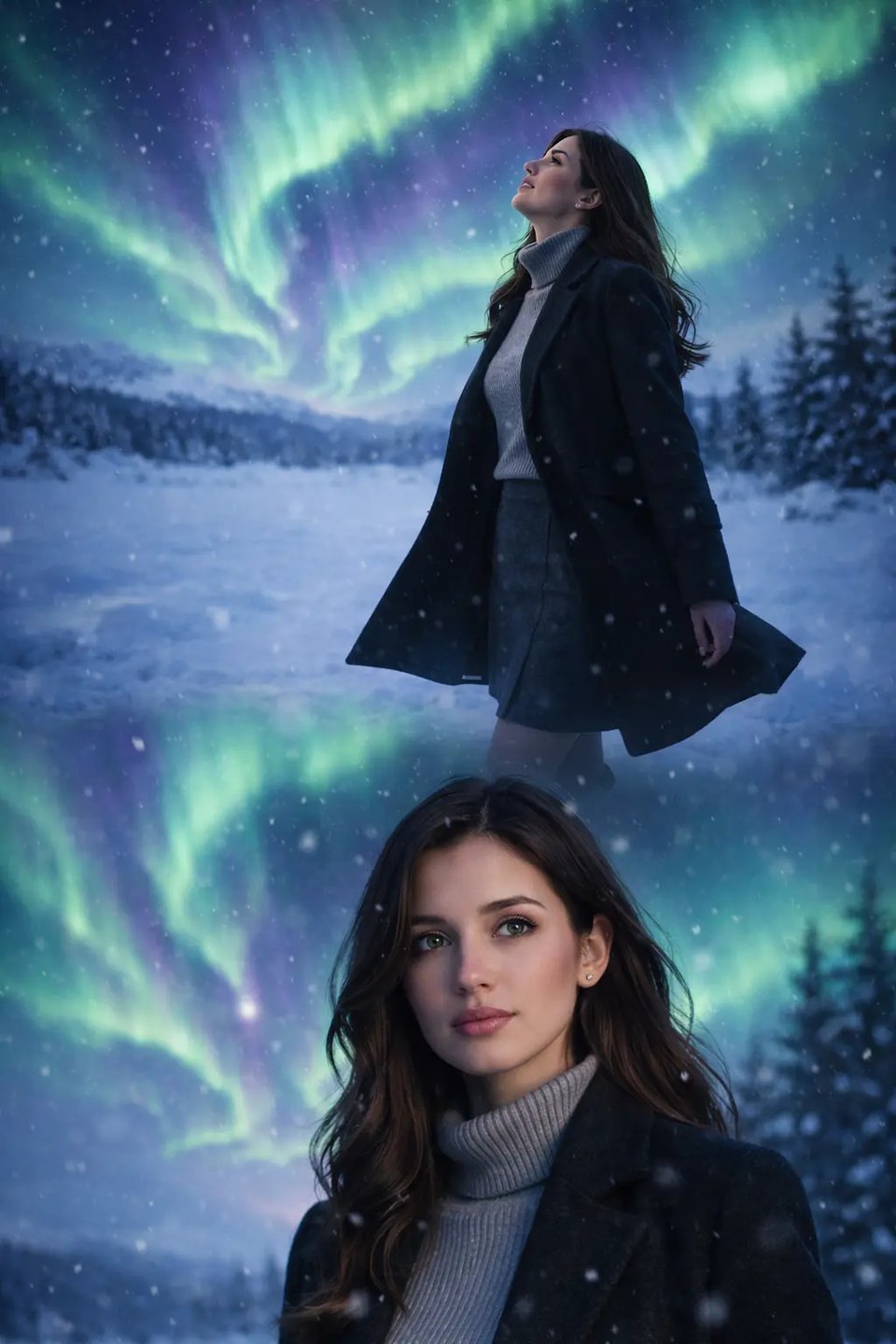
2-Frame Solo Aurora Story Layout
Show one subject in two stacked vertical panels for more visual rhythm and aurora storytelling. 2-Frame Solo Aurora Prompt: Create a vertical aurora composition from the uploaded image with two naturally flowing portrait moments arranged in one seamless tall layout. Keep the subject’s face, hairstyle, body shape, outfit, and identity fully consistent with the original image. In one moment, show the subject standing in the snow with his body angled slightly to the side, chin lifted, eyes looking upward toward vivid aurora borealis sweeping across the sky, one hand relaxed by his side and the coat moving subtly in the cold wind. In the second moment, show a closer portrait of the same subject facing forward with a calm, thoughtful expression, shoulders relaxed, eyes softly reflecting green and purple aurora light. Blend both moments smoothly into one continuous composition without visible borders, hard panel separation, or collage lines. Add realistic snow, cold winter atmosphere, cinematic lighting, natural skin texture, and strong northern lights mood. Keep the overall image cohesive, realistic, vertically elegant, and visually immersive.
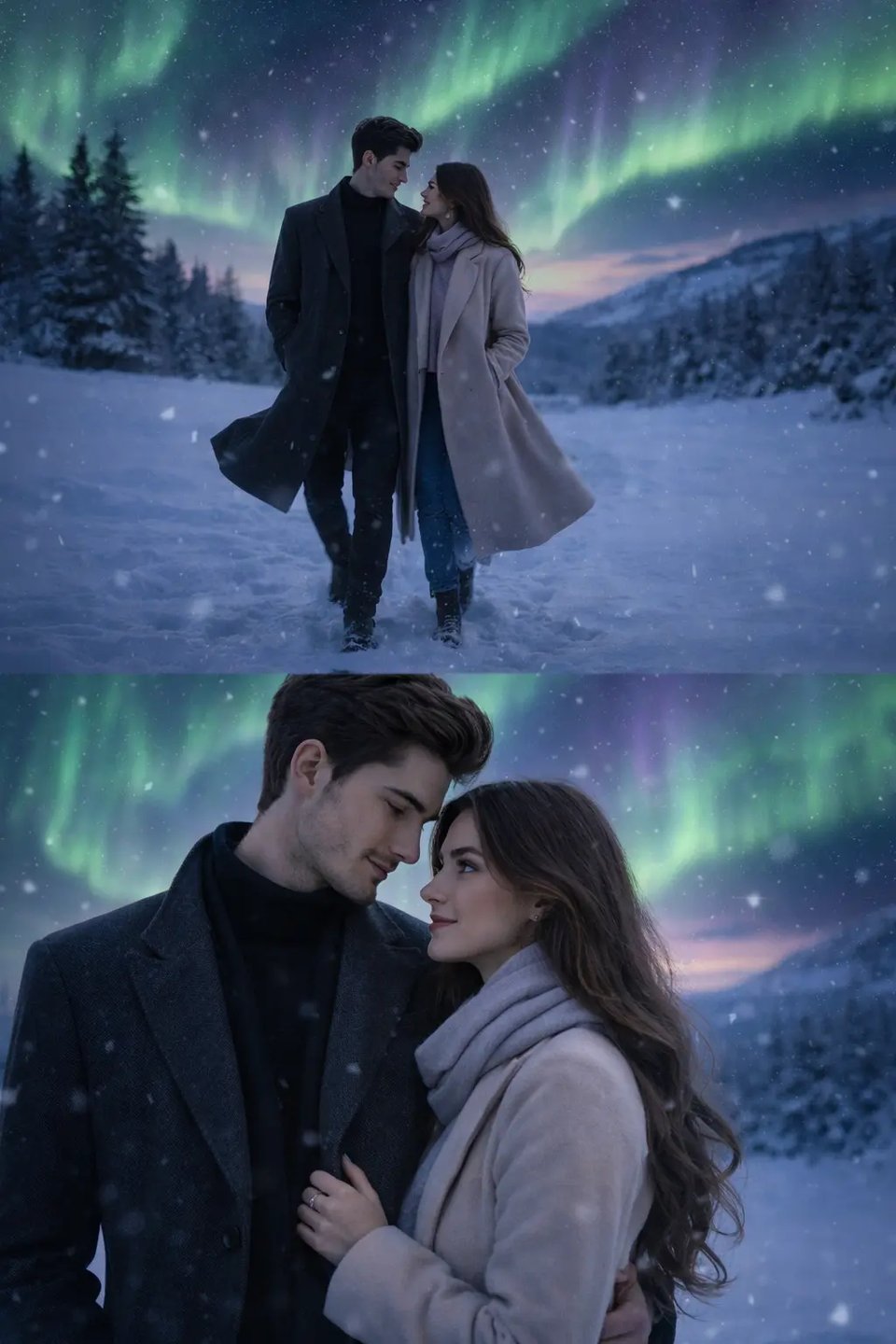
2-Frame Couple Aurora Story Layout
Use two vertical stacked panels to present couple moment and northern lights atmosphere in more engaging way. 2-Frame Couple Aurora Prompt: Create a vertical aurora couple composition from the uploaded image with two romantic moments integrated into one seamless tall image. Keep both people’s faces, hairstyles, body proportions, clothing, and identities consistent with the original photo. In one moment, show the couple walking slowly side by side through the snow beneath glowing aurora borealis, shoulders close, one of them turning slightly toward the other while their coats move gently in the night air. In the second moment, show a closer romantic portrait where they stand still together, bodies angled inward, one partner lightly holding the other’s arm, both either looking softly at each other or sharing a calm forward gaze under green and purple aurora glow. Merge both moments naturally into one unified vertical layout without visible dividers, hard collage borders, or obvious panel breaks. Add realistic snow, cinematic winter mood, natural facial detail, and believable northern lights atmosphere while keeping the whole image polished and visually coherent.
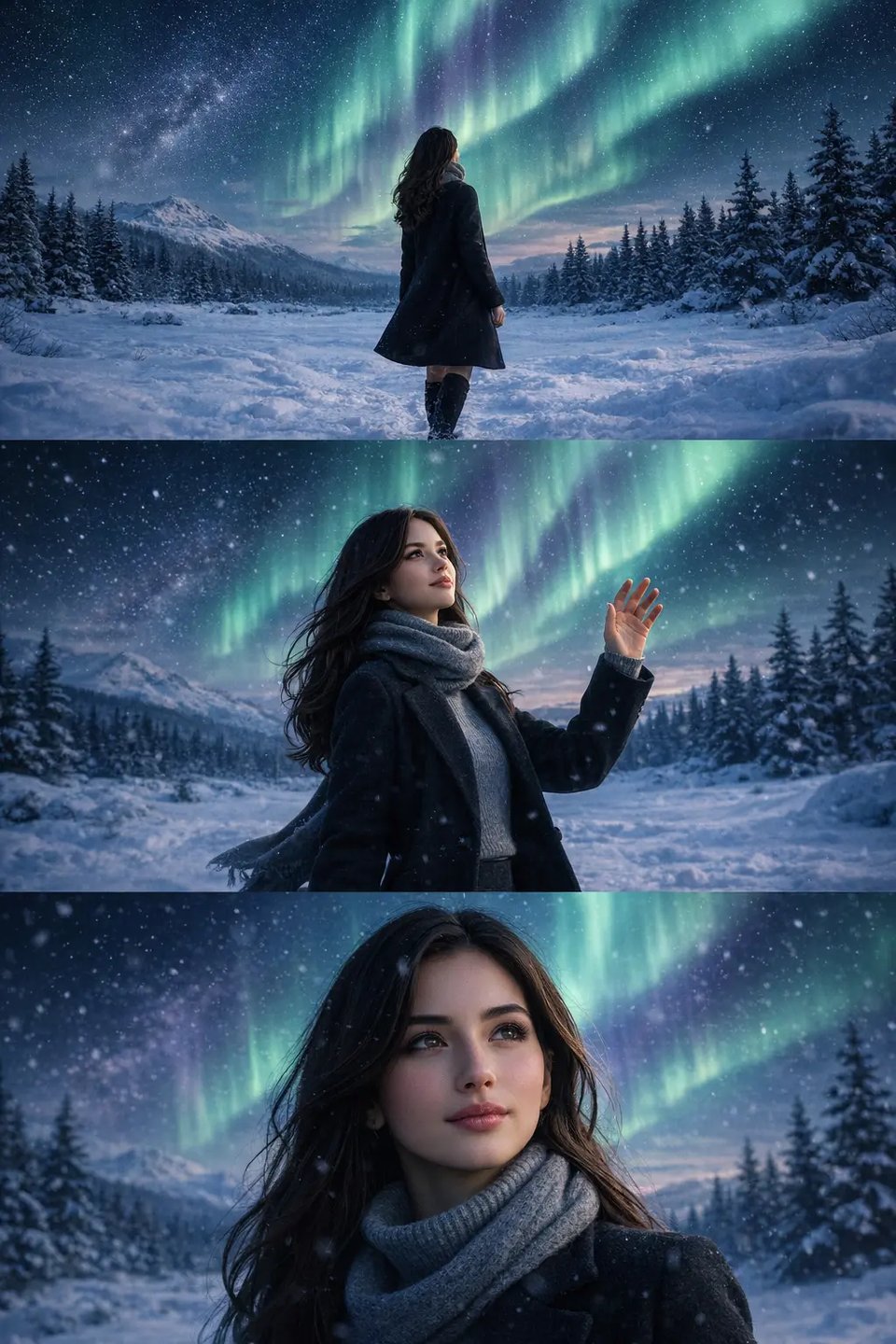
3-Frame Solo Aurora Collage Portrait
Build vertical three-panel aurora collage from one uploaded photo for stronger trend-style presentation. 3-Frame Solo Aurora Prompt: Create a vertical aurora portrait composition from the uploaded image with three visually connected moments flowing through one continuous tall image. Keep the subject’s face, hairstyle, body shape, outfit, and identity highly consistent with the original photo. Show one wider snowy night scene where the subject stands alone beneath dramatic aurora borealis, feet planted firmly in the snow, body turned slightly away while looking up at the sky. Include a second moment where the subject is captured from a medium distance, raising one hand slightly as if feeling the cold air or reaching toward the light, scarf and coat subtly lifted by the breeze. Include a third, closer facial view where the subject looks forward or slightly upward with clear skin texture, relaxed lips, reflective eyes, and soft green-purple northern lights glow across the face. Arrange these three moments with smooth visual transitions and layered composition rather than visible panel lines or strict collage borders. Add gentle snowfall, realistic winter atmosphere, cinematic lighting, and strong overall cohesion so the final image feels like one refined vertical aurora artwork.
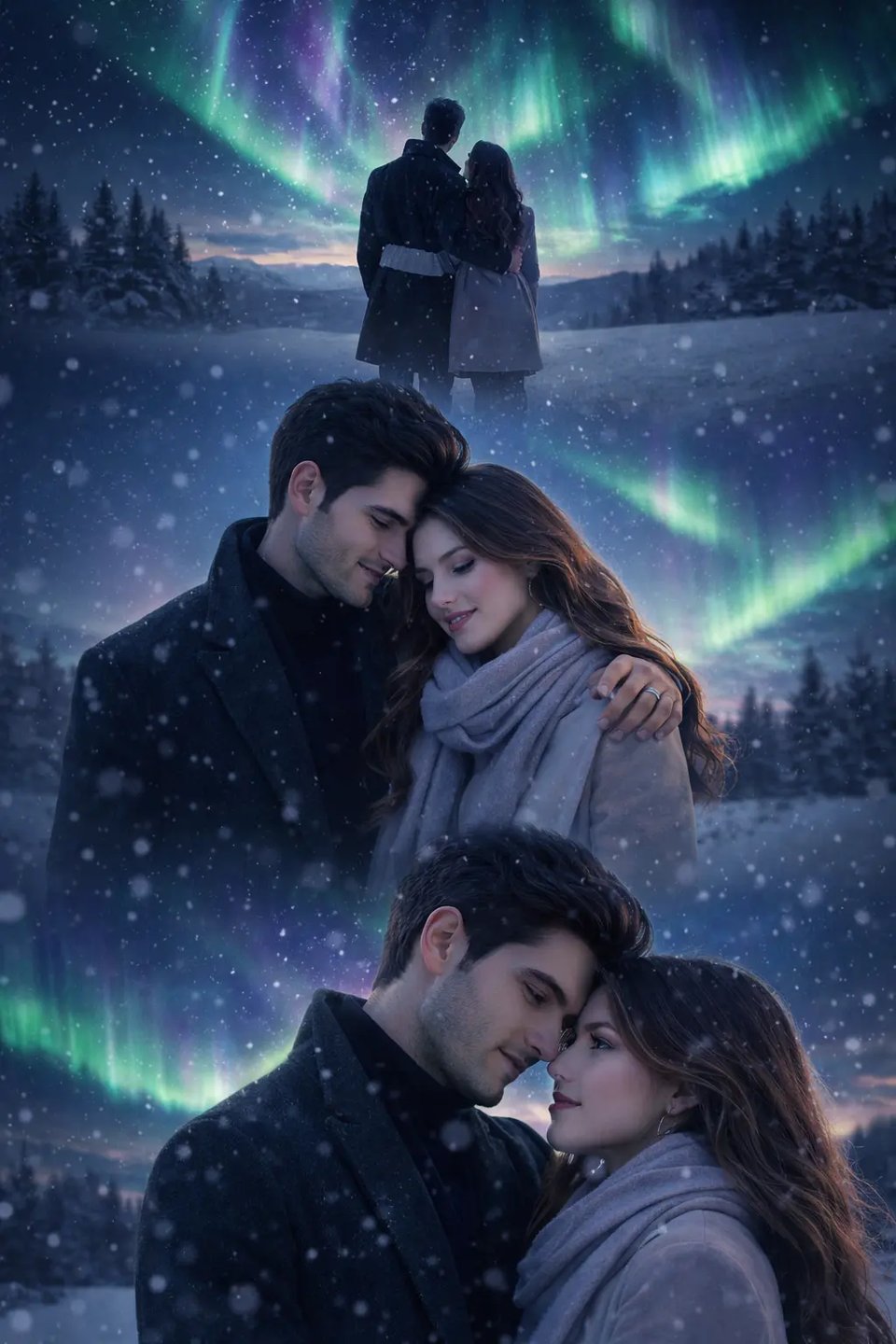
3-Frame Couple Aurora Collage
Create three stacked couple moments under northern lights for more layered and shareable vertical composition. 3-Frame Couple Aurora Prompt: Create a vertical aurora couple composition from the uploaded image with three romantic moments blended into one seamless tall layout. Keep both subjects’ faces, hairstyles, body proportions, clothing, and identities fully consistent with the original photo. Show one wider snowy night scene where the couple stands together beneath vivid aurora borealis, bodies close, facing the glowing sky. Include a second moment from a medium distance where one partner gently wraps an arm around the other’s shoulders or waist while both lean slightly toward each other in the cold air. Include a third close romantic portrait where their faces are near each other, expressions soft and natural, one of them glancing toward the other while aurora light reflects subtly on their skin, hair, and coats. Let all three moments flow together naturally without obvious dividing lines, boxed collage sections, or rigid panel structure. Add snowfall, cinematic winter mood, realistic depth, and consistent aurora atmosphere across the full vertical composition.
Ways to Use Bylo.ai’s AI Aurora Filter for Different Photo Ideas
Add Aurora Borealis to Photo Without Traveling to See Northern Lights
Not everyone has the chance to visit Iceland, Norway, Finland, or other places known for aurora viewing, but many people still want photos with that same northern lights atmosphere. Bylo.ai’s AI Aurora Filter helps turn everyday portraits, outdoor shots, and travel-style images into aurora-inspired visuals that feel more magical and more visually memorable without needing a real aurora trip.
Use AI Aurora Filter for Portraits with Northern Lights Atmosphere
Portraits often look more striking when the background carries stronger mood and visual depth. Bylo.ai’s AI Aurora Filter works well for turning uploaded selfies and portrait photos into more cinematic northern lights images, helping the final result feel more styled, more immersive, and more suitable for profile photos or social sharing.
Add Aurora to Photo for Romantic Couple and Memory Scenes
Couple photos, anniversary images, and winter memory shots can feel more emotional when aurora glow is added into the scene. Bylo.ai’s AI Aurora Filter makes it easier to add aurora to photo compositions with softer lighting, dreamy sky color, and more romantic northern lights energy, giving relationship photos a stronger sense of atmosphere and occasion.
Create Vertical AI Aurora Filter Edits for Social Media Posts
Some aurora photos work better in more structured visual formats, especially for social platforms. Bylo.ai’s AI Aurora Filter can be used for vertical 1-frame, 2-frame, and 3-frame compositions that make northern lights portraits, couple edits, and winter scenes feel more eye-catching, more shareable, and better suited to reels covers, posts, or aesthetic collage content.